

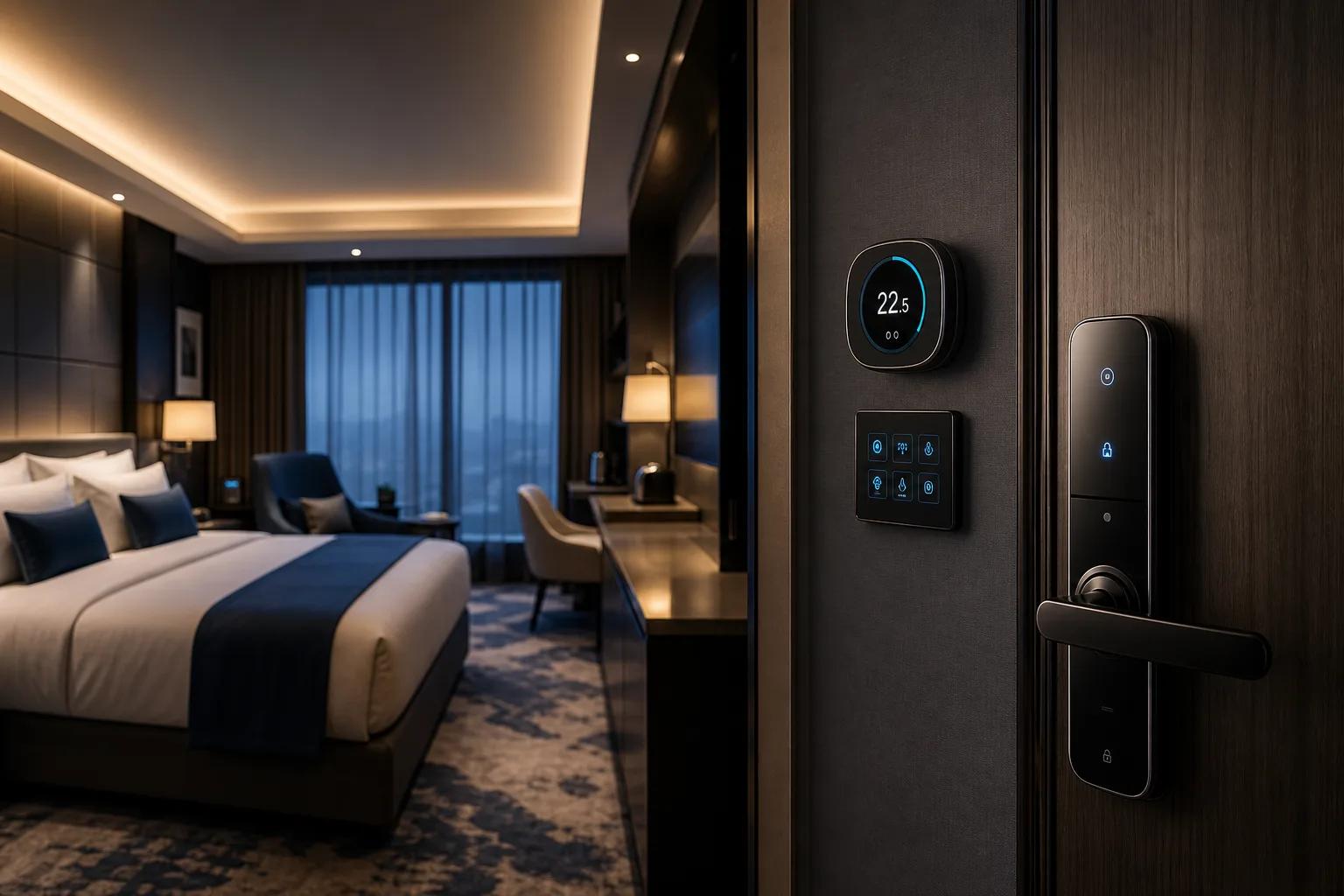
Smart Room Control Solution for Hotels and Buildings
Connect room locks, occupancy, lighting, curtains, HVAC and room status with platform workflows for smarter space operation.
Solution Overview
Room comfort and energy control in one workflow
This workflow links presence sensing, welcome scenes, HVAC control and cloud room-status synchronization to improve comfort and reduce waste.
- Presence & Occupancy Sensing
- Welcome Scene Trigger
- HVAC & Environment Regulation
- Unoccupied Energy-saving Mode
- Real-time Room Status Upload
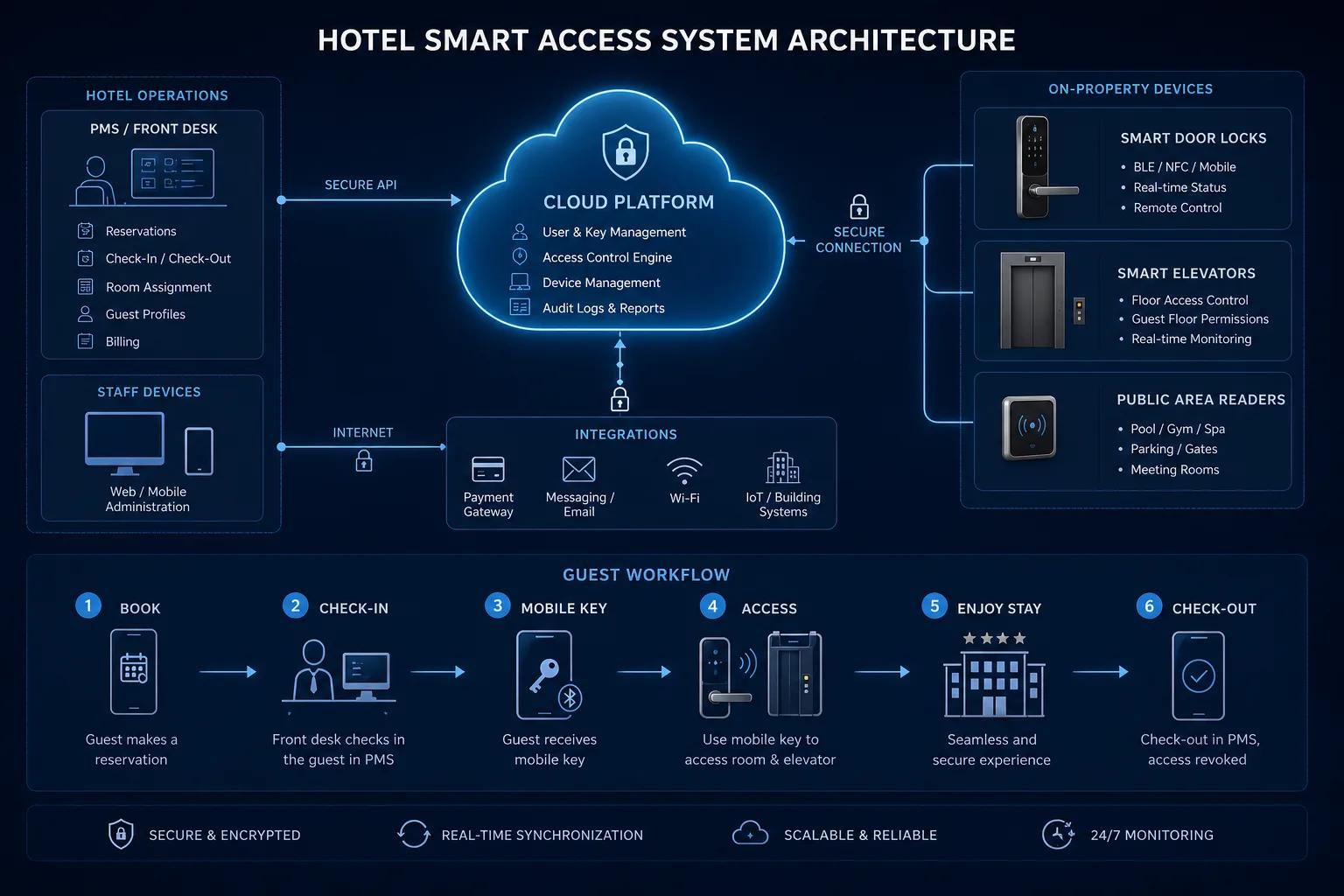
Pain Points & Approach
Room devices often work as isolated controls
Hotels and managed buildings need access, occupancy and room devices to work together.
Disconnected room controls
Lighting, curtains and HVAC may not follow room status or occupancy.
Energy waste
HVAC and lighting may continue running when rooms are vacant.
Weak access linkage
Door and room status should trigger scenes and service workflows.
Maintenance visibility
Operators need device status and fault alerts before guest complaints.
Typical Workflow
Creating intelligent environmental comfort, this workflow relies on accurate presence sensing to trigger automated welcome scenes. It intelligently regulates HVAC and lighting based on occupancy, activates deep energy-saving modes when the room is vacant, and continuously synchronizes live room status to the cloud.
Presence & Occupancy Sensing
Welcome Scene Trigger
HVAC & Environment Regulation
Unoccupied Energy-saving Mode
Real-time Room Status Upload
Key Functions
Room scenes and operation control
Design room control around actual guest, tenant or facility workflows.
Lighting and scene control
Plan switches, panels and room scenes for different operating modes.
HVAC linkage
Connect thermostats or HVAC controllers with occupancy and room status.
Presence and sensor data
Use occupancy, door status or environmental sensors for automation rules.
Access-triggered scenes
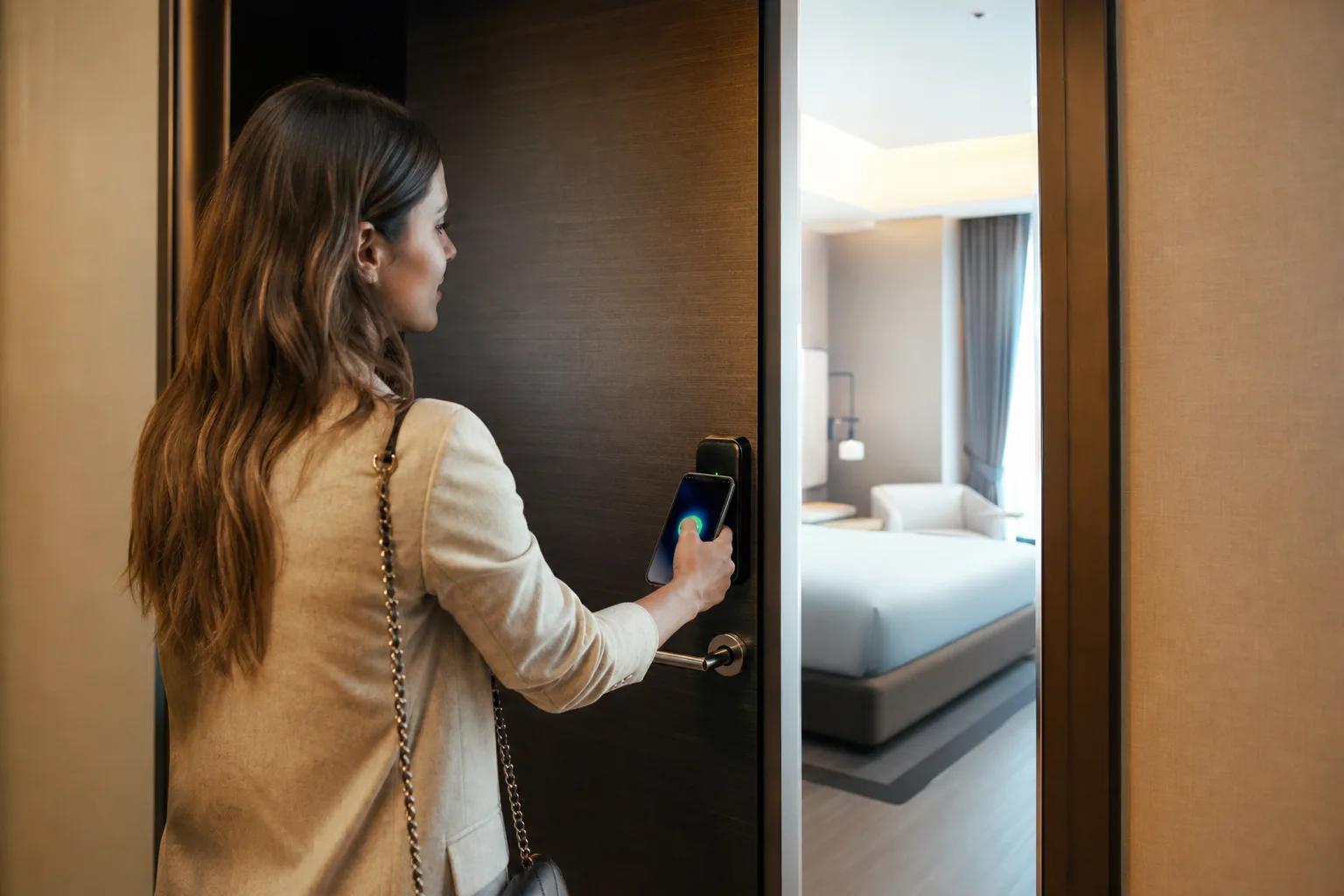
Link unlock events with welcome scenes or staff service modes.
Device IoT management
Monitor controller status, alerts and firmware planning through platform modules.
System Workflow
Smart Room Control Solution
1. Presence Sensing
2. Welcome Scene Trigger
3. HVAC Regulation
4. Vacant Energy-saving Mode
5. Room Status Sync
6. Operations Optimization
Related Pages
Continue from this solution
Connect the solution architecture to matching applications, platform modules and consultation paths.
Project Snapshot
Hotel smart room pilot
Southeast Asia
Case Study
Background
A hotel wanted to link access, room status and HVAC control on selected floors.
Challenge
Room energy and device faults were managed manually, causing waste and slow response.
Solution
KEYPLUS planned lock, occupancy, room controller and platform workflow integration.
Deployment, Integration and FAQ
How this solution is delivered
Deployment Options
Room controls should keep basic scenes available even when cloud connection is limited.
- Local room controller for stable scene execution.
- Cloud platform for device status and reporting.
- Cloud + edge rules for room-level automation and offline continuity.
Integration Options
Room projects often require coordination with PMS, BMS or HVAC suppliers.
- PMS room status integration evaluation.
- BMS or HVAC interface planning.
- MQTT/API connection for IoT device data and events.
KEYPLUS provides
- Solution architecture, device selection, platform module configuration and integration planning.
- Smart locks, access control devices, cameras, gateways, sensors or controllers according to project scope.
- API, deployment and custom development evaluation for qualified project requirements.
Customer or third party provides
- Site drawings, network conditions, power supply, installation constraints and acceptance rules.
- Third-party platform documents, API access, PMS/BMS/VMS requirements or local system owner contacts.
- Local compliance, data policy, final operation workflows and on-site installation coordination.
FAQ
Frequently Asked Questions
Can room scenes work without internet?
Selected local scenes can be planned through room controllers or edge devices.
Can this connect to PMS?
PMS integration can be evaluated for check-in, checkout and room status workflows.
Can HVAC be controlled directly?
It depends on HVAC interface, protocol and local supplier constraints.
Is this only for hotels?
No. It can also support apartments, offices and managed rooms.
Planning smart room control?
Share room count, device types, HVAC interface and platform expectations.