

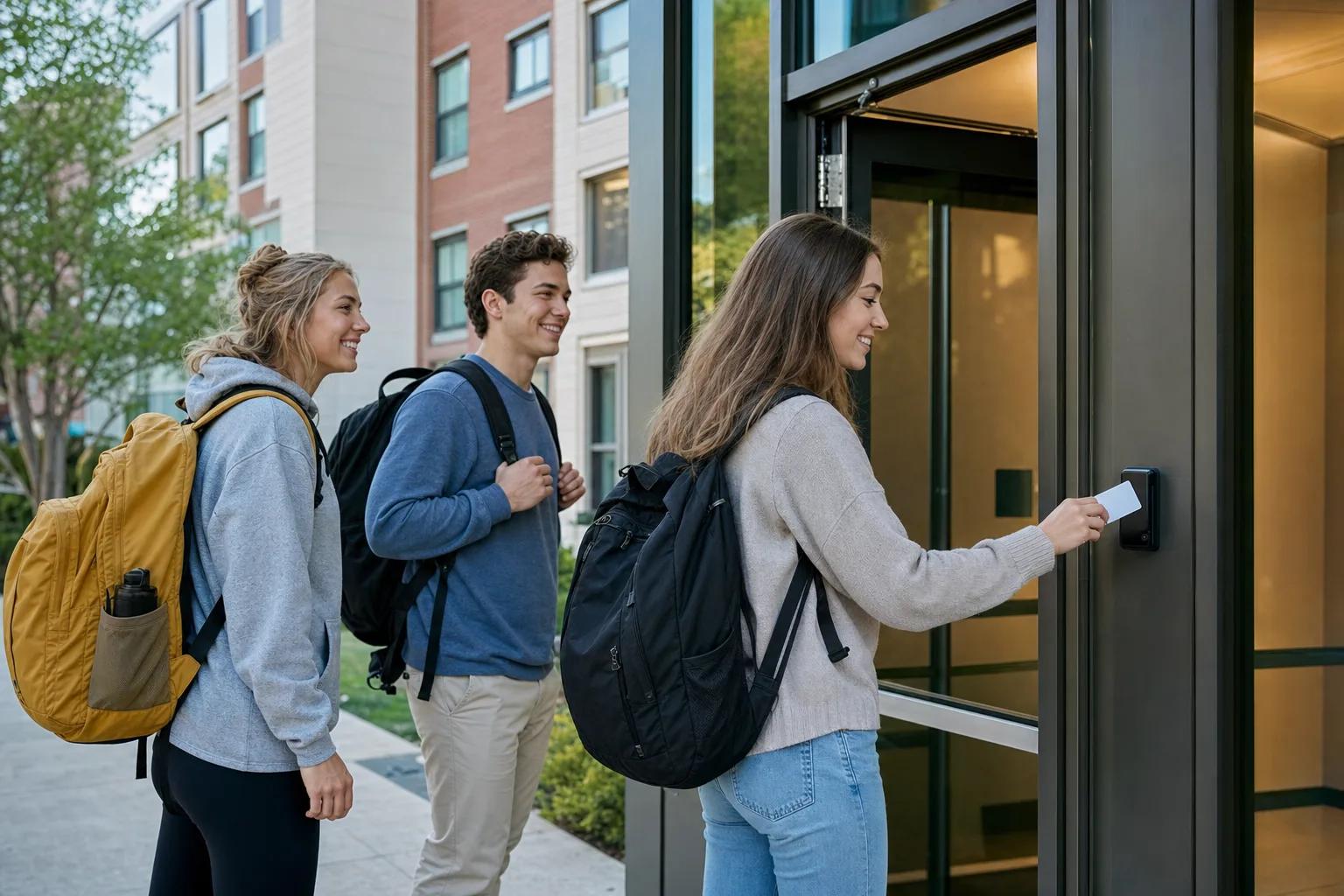
Safer Campus. Smarter Operations.
Unified access, real-time safety monitoring, and AI-driven facility management — built for 10,000+ student campuses.
Solution Overview
One Campus. One Identity. One Platform.
This campus workflow unifies student identity, dormitory access, public area permissions, abnormal-event alarms and centralized reports for safer campus operations.
- Student Profile Enrollment
- Credential Issuance
- Dormitory & Public Door Permissions
- Access Event Logging & Alarms
- Centralized Reporting
Pain Points & Approach
Campuses Are Outgrowing Their Systems
Aging access cards, siloed data, and reactive safety responses no longer match the scale of modern campuses.
Slow Emergency Response
When seconds matter, manual lockdowns and disconnected security systems leave students exposed.
Fragmented Identity
Separate cards for dorm, library, dining, and gym — each one is another lost-card incident waiting to happen.
Massive Energy Waste
Empty classrooms, dorms, and labs run lighting and HVAC out of habit — campuses lose 20–30% on avoidable utility cost.
No Real-time Visibility
Facility teams can't see which buildings are actually in use right now — making planning and security reactive.
Typical Workflow
Enhancing campus security, this process begins with student profile enrollment and credential issuance, automatically distributing access permissions for dormitories and public facilities. It actively logs all access events to trigger immediate alarms for unreturned students or unauthorized strangers, all visualized through centralized reporting.
Student Profile Enrollment
Credential Issuance
Dormitory & Public Door Permissions
Access Event Logging & Alarms
Centralized Reporting
Key Functions
Built for Campus Scale
Five capabilities trusted by 100,000+ student deployments across Asia.
Unified Campus Card
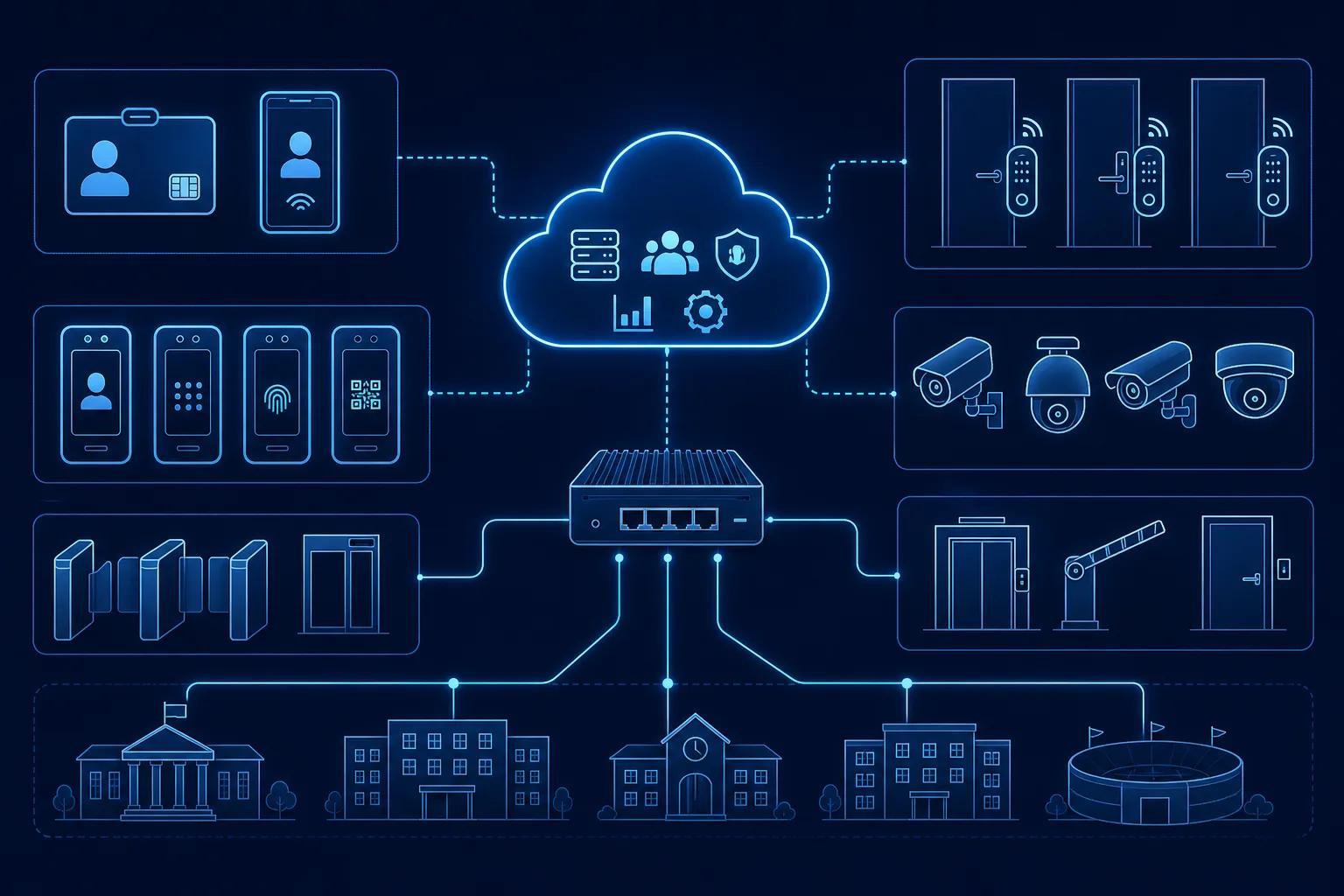
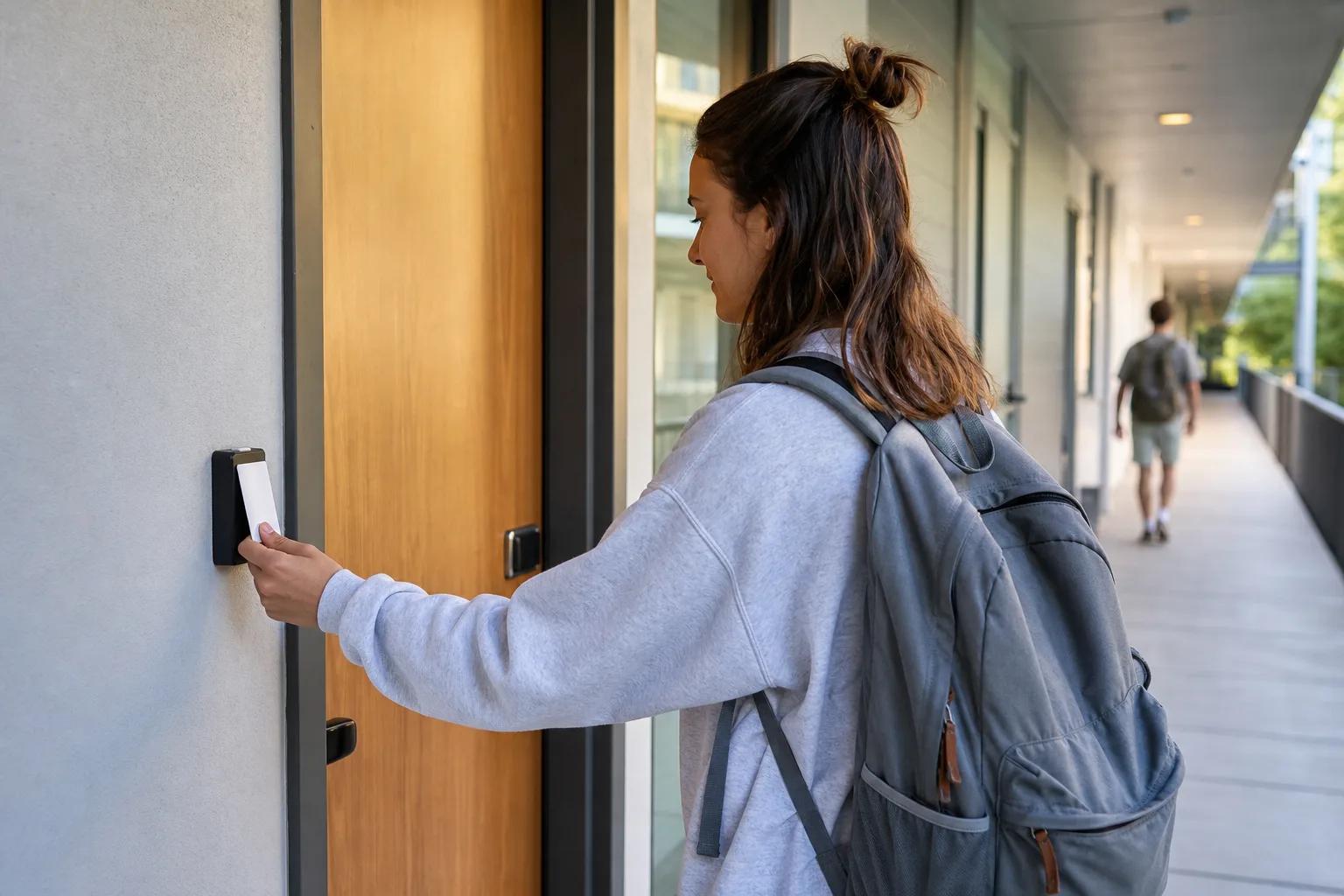
One credential — RFID, NFC, face, or mobile — works for dorm, library, dining, lab, and parking. Native SIS integration.
Emergency Lockdown
Campus-wide, building-level, or zone-level lockdown in under 3 seconds. Auto-escalation to security and authorities.
Real-time Occupancy
Live student count per building — essential for fire safety, energy planning, and resource allocation.
AI Energy Saving
HVAC, lighting, and ventilation auto-adjust to class schedules and live occupancy — average 25% reduction.
Lab & Equipment Booking
Booking, access, and usage logging unified — students only access what they're authorized for, when they're authorized.
System Workflow
Campus Access Control Solution
1. Student Profile Enrollment
2. Credential Issuance
3. Dormitory & Public Door Permissions
4. Access Event Logging & Alarms
5. Abnormal Event Alarm
6. Centralized Reporting
Related Pages
Continue from this solution
Connect the solution architecture to matching applications, platform modules and consultation paths.
Project Snapshot
12,000-Student University Campus
Guangzhou
Case Study
Background
A research university with 12,000 students operated 35 buildings using legacy card systems and a fragmented security team.
Challenge
Emergency response averaged 90+ seconds, energy bills were rising 8% YoY, and 65 lost-card tickets/month overwhelmed IT.
Solution
Deployed unified campus card platform + AI occupancy network + emergency lockdown system across all 35 buildings in 7 months.
Deployment, Integration and FAQ
How this solution is delivered
Deployment Options
Plan the solution according to project scale, IT policy and site operation requirements.
- Cloud deployment for multi-site management and remote operation.
- Local deployment for projects that require on-premise control.
- Cloud + edge deployment for offline continuity, gateway control and local event processing.
Integration Options
Connect KEYPLUS devices and platform modules with the systems already used by the project owner.
- PMS, BMS or third-party management system integration can be evaluated per project.
- API, SDK, MQTT and webhook-style data exchange can be planned for platform integration.
- ONVIF or video platform integration can be evaluated when AI video devices are included.
KEYPLUS provides
- Smart locks, access devices, gateways, platform modules and project configuration guidance.
- Device selection, solution architecture, integration planning and deployment support.
- Documentation, test support and custom development evaluation when required.
Customer or third party provides
- Project site conditions, network access, power supply and installation environment.
- Third-party system credentials, API documents and local compliance requirements.
- Final operation rules, user data policy and acceptance criteria.
FAQ
Frequently Asked Questions
Can this solution support cloud and local deployment?
Yes. Deployment can be planned as cloud, local or cloud plus edge according to site policy and operation requirements.
Can KEYPLUS integrate with third-party systems?
KEYPLUS can evaluate PMS, BMS, API, SDK, MQTT, ONVIF and other integration requirements during project planning.
What does KEYPLUS provide in a project?
KEYPLUS provides hardware, platform modules, architecture planning, integration guidance and custom development evaluation when needed.
Is every feature available as a standard module?
No. Some advanced functions may be optional, project-based or custom development depending on maturity and delivery scope.
Ready to Modernize Your Campus?
Get a campus-specific deployment plan and ROI estimate within a week.