

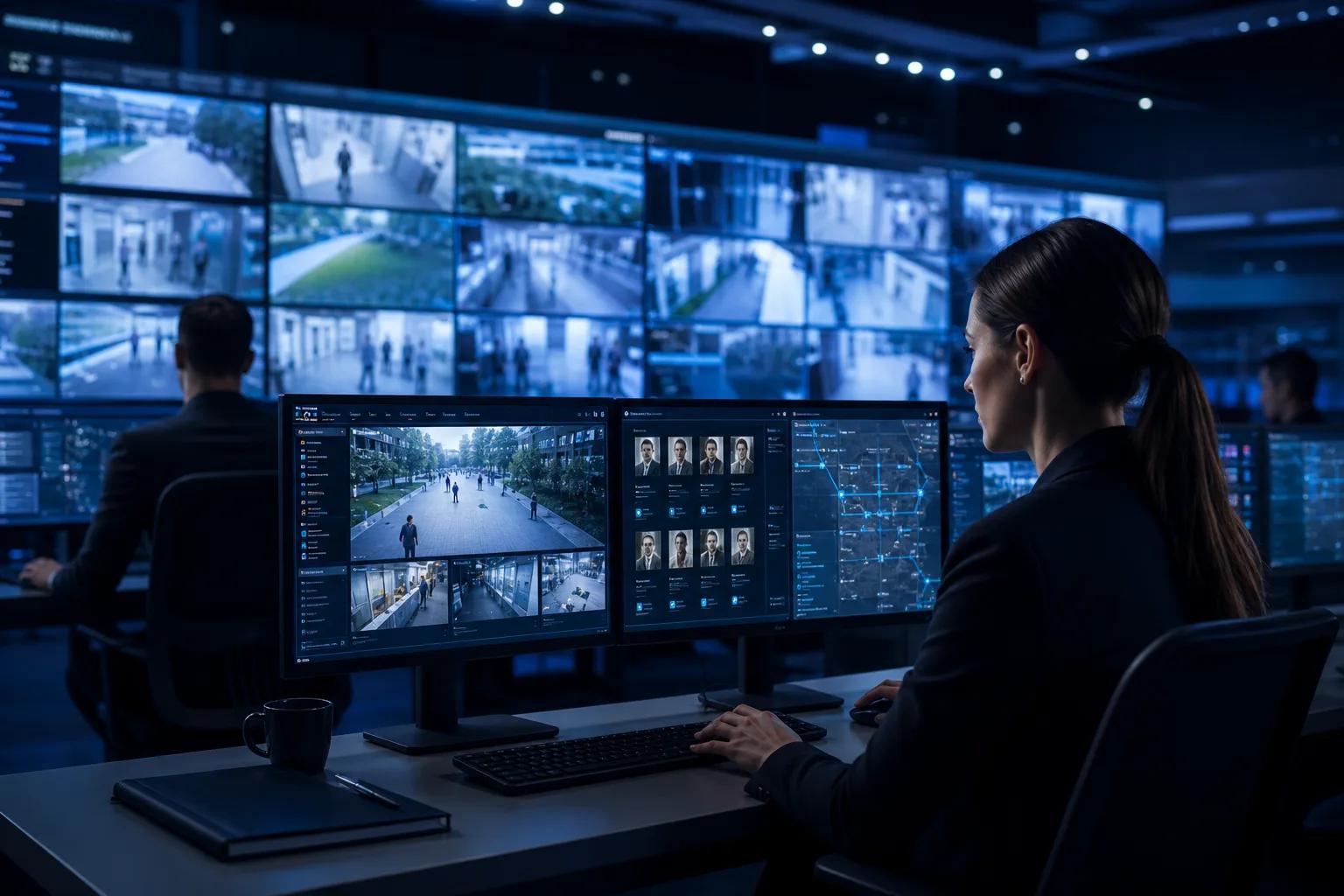
AI Video Surveillance Solution for Smart Spaces
Connect AI cameras, event rules, access records and platform alarms for hotels, campuses, offices and public facilities.
Solution Overview
AI video security as an event response workflow
This video AI workflow analyzes real-time feeds, detects abnormal events, triggers alarms and preserves incident evidence as a closed security response process.
- High-definition Video Capture
- Edge AI Real-time Analytics
- Abnormal Event Detection
- Alarm Trigger & Device Linkage
- Incident Logs & Video Review
Pain Points & Approach
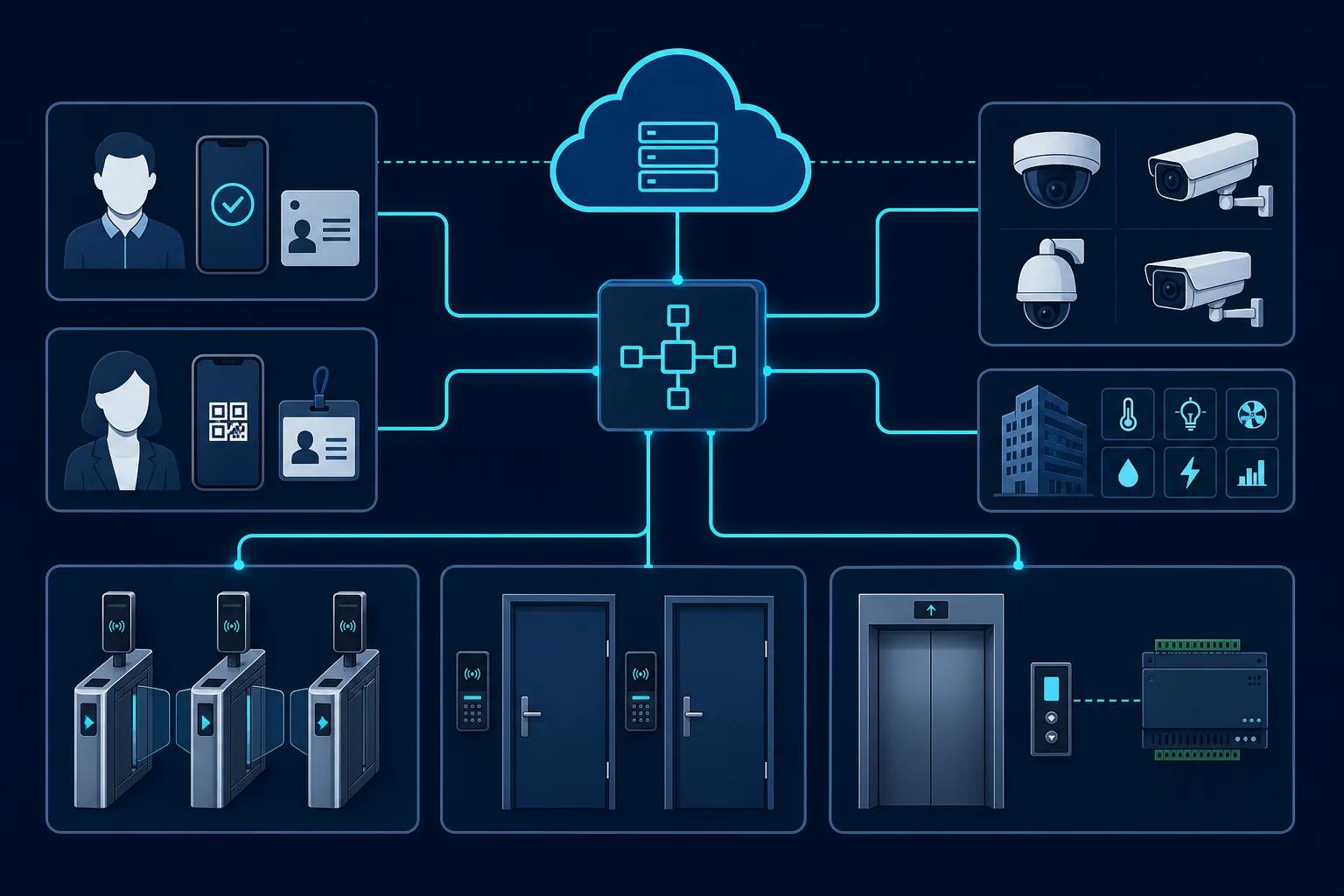
Video events are often isolated from access operation
A practical video solution should connect cameras, identities, doors and alarm handling.
Separated camera systems
Video systems may not connect with access logs or door events.
Manual event review
Security teams spend time searching footage after incidents.
Weak alarm routing
Alarms need clear event rules, priority and handling workflows.
Integration uncertainty
Projects need a clear path for ONVIF, VMS or platform integration.
Typical Workflow
Utilizing high-definition capture and edge computing capabilities, this video AI workflow analyzes real-time feeds to instantly detect abnormal events like intrusion or loitering. It automatically triggers localized alarms and peripheral device linkages while securing accurate incident logs for subsequent review.
High-definition Video Capture
Edge AI Real-time Analytics
Abnormal Event Detection
Alarm Trigger & Device Linkage
Incident Logs & Video Review
Key Functions
Video analytics, alarms and access linkage
Keep AI video practical by binding it to site operation and security workflows.
AI camera coverage
Use IP cameras, AI cameras or intercom devices around key access points.
Event rule planning
Define intrusion, loitering, abnormal entry or after-hours rules per area.
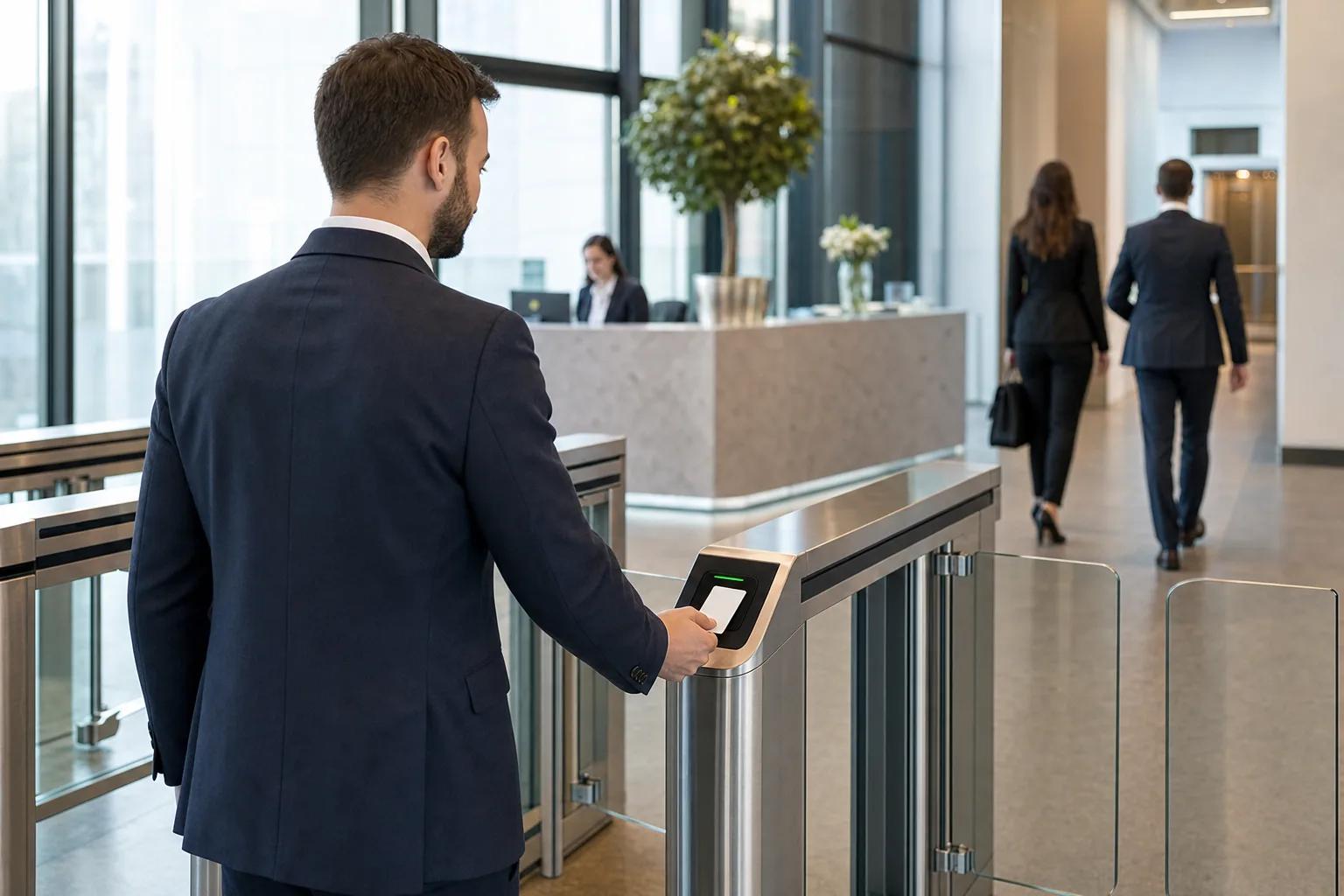
Access record linkage
Connect door records with video events for faster incident review.
Alarm event center
Route events to a platform for review, acknowledgement and reporting.
VMS and ONVIF options
Evaluate third-party video integration during project planning.
System Workflow
AI Video Surveillance Solution
1. HD Video Capture
2. Edge AI Analytics
3. Abnormal Event Detection
4. Alarm & Device Linkage
5. Event Log & Review
6. Platform Integration
Related Pages
Continue from this solution
Connect the solution architecture to matching applications, platform modules and consultation paths.
Project Snapshot
Campus public area video linkage project
Asia Pacific
Case Study
Background
A multi-building campus needed video alarms around dormitory entrances and shared public areas.
Challenge
Video review and access records were handled in separate systems, slowing incident response.
Solution
KEYPLUS planned AI camera coverage, linked access events and configured alarm rules for priority areas.
Deployment, Integration and FAQ
How this solution is delivered
Deployment Options
Video projects can be deployed according to bandwidth, storage and privacy requirements.
- Cloud event center for multi-site alarm visibility.
- Local NVR or VMS deployment for recording and site security rooms.
- Cloud + edge deployment when selected AI rules need local processing.
Integration Options
Confirm camera protocol, event format and third-party platform boundaries early.
- ONVIF camera or VMS compatibility evaluation.
- API event push to security platforms or dashboards.
- Access record linkage with door devices and identity modules.
KEYPLUS provides
- Solution architecture, device selection, platform module configuration and integration planning.
- Smart locks, access control devices, cameras, gateways, sensors or controllers according to project scope.
- API, deployment and custom development evaluation for qualified project requirements.
Customer or third party provides
- Site drawings, network conditions, power supply, installation constraints and acceptance rules.
- Third-party platform documents, API access, PMS/BMS/VMS requirements or local system owner contacts.
- Local compliance, data policy, final operation workflows and on-site installation coordination.
FAQ
Frequently Asked Questions
Does KEYPLUS replace an existing VMS?
Not always. KEYPLUS can work as a linked event layer or evaluate integration with an existing VMS.
Can AI rules run locally?
Selected rules can be evaluated for edge processing depending on hardware and project scope.
Is facial recognition mandatory?
No. Projects can use event detection without face recognition depending on privacy rules.
Can video link to access records?
Yes. Door, identity and alarm events can be planned together for faster review.
Planning an AI video project?
Share site areas, camera quantity, event rules and integration requirements.